
Project Prompts & Local Caching: Major pod CLI Upgrade
Introducing project-level prompt management and local caching in the pod CLI. Learn how to use the new features to manage, share, and version prompts in your projects.
Project Prompts & Local Caching: Major pod CLI Upgrade
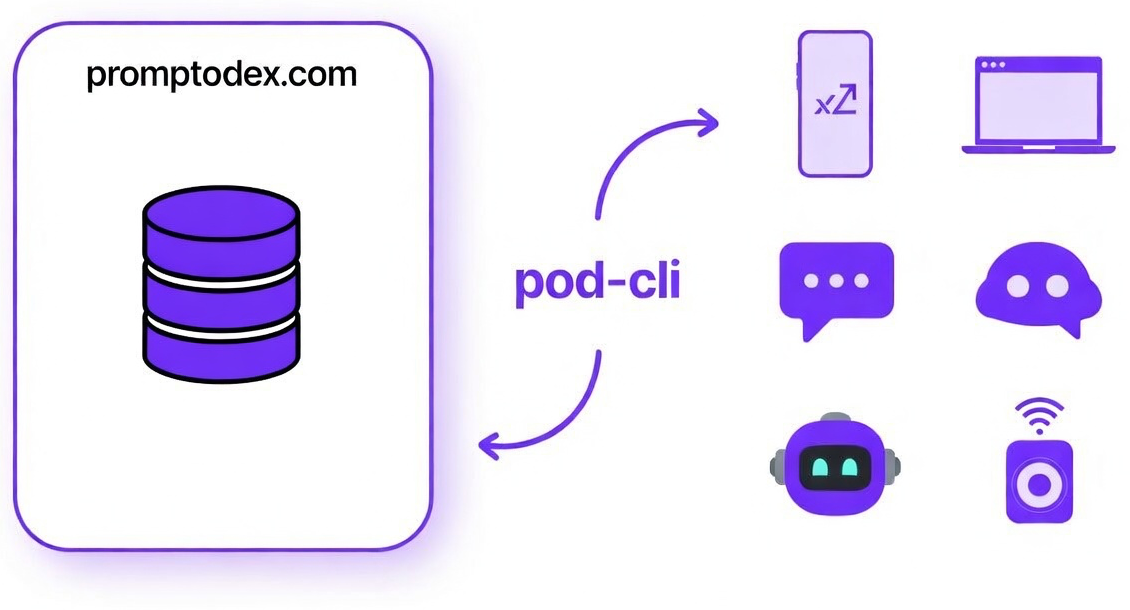
The pod CLI just got a major upgrade with the addition of project-level prompt management and improved local caching. These are powerful new features added to the existing CLI—no new package or breaking changes, just more ways to manage, share, and version prompts in your projects. Here’s what’s new and what’s changed.
What’s New?
1. Project-Level Prompt Management
You can now manage prompts at the project level using a promptodex.json file. Initialize your project with:
pod init
This creates a promptodex.json file to track installed prompts. You can then install prompts locally:
pod install summarize
Prompts are cached in .promptodex/cache/ and version-locked in promptodex.json, making it easy to share prompt dependencies across your team.
2. Local and Global Caching
- Global cache: When running prompts directly, they’re cached at
~/.promptodex/cache/. - Project cache: When using
pod install, prompts are cached in.promptodex/cache/inside your project.
This means faster access and reliable, versioned prompt execution—whether you’re working solo or in a team.
3. Updated Configuration and Setup
- The global config file is now at
~/.promptodex/config.json(was~/.pod/config.json). - The setup wizard is launched with
pod config(waspod init). - View your config with the new
pod show-configcommand.
4. New and Improved Commands
pod install [name]– Install prompts into your projectpod uninstall <name>– Remove prompts from your projectpod show-config– Display your current configurationpod init– Initialize a new project with prompt tracking
5. Better Project Integration
.promptodex/is now added to.gitignoreautomaticallypromptodex.jsontracks installed prompts and their versions
What’s Changed?
- Config location: Now
~/.promptodex/config.json(was~/.pod/config.json) - Setup wizard: Now run with
pod config(waspod init) - Prompt management: Use
pod install/uninstallfor project prompts - Show config: Use
pod show-configinstead ofpod config - Cache structure: Project and global caches are now clearly separated
Example Workflow
-
Configure your API keys
pod config -
Initialize your project
pod init -
Install prompts
pod install summarize -
Run a prompt
pod summarize
Backwards Compatibility
- Old config files (
~/.pod/config.json) are still supported, but you’ll be prompted to migrate. - Existing commands like
pod <slug>andpod <slug>@<version>continue to work as before.
Full Command Reference
pod <slug>orpod <slug>@<version>– Run a promptpod install [name]– Install prompt(s) to your projectpod uninstall <name>– Remove a prompt from your projectpod init– Initialize project prompt managementpod config– Interactive setup wizardpod show-config– Show current configpod doctor– Run diagnostics
Why These Changes?
Promptodex is growing, and so are the needs of its users. Project-level prompt management and improved caching make it easier to collaborate, version, and share prompts—whether you’re working solo or with a team. The new commands and config structure are designed for clarity and scalability as Promptodex evolves.
Ready to try the new pod CLI? Get started here or run npm install -g pod-cli to upgrade.